No one wants to turn up to an event then not be able to find their tickets! On our platform we make it easy for you to locate your tickets to avoid any disappointment on the day!
Where are my tickets?
Firstly buy your ticket:

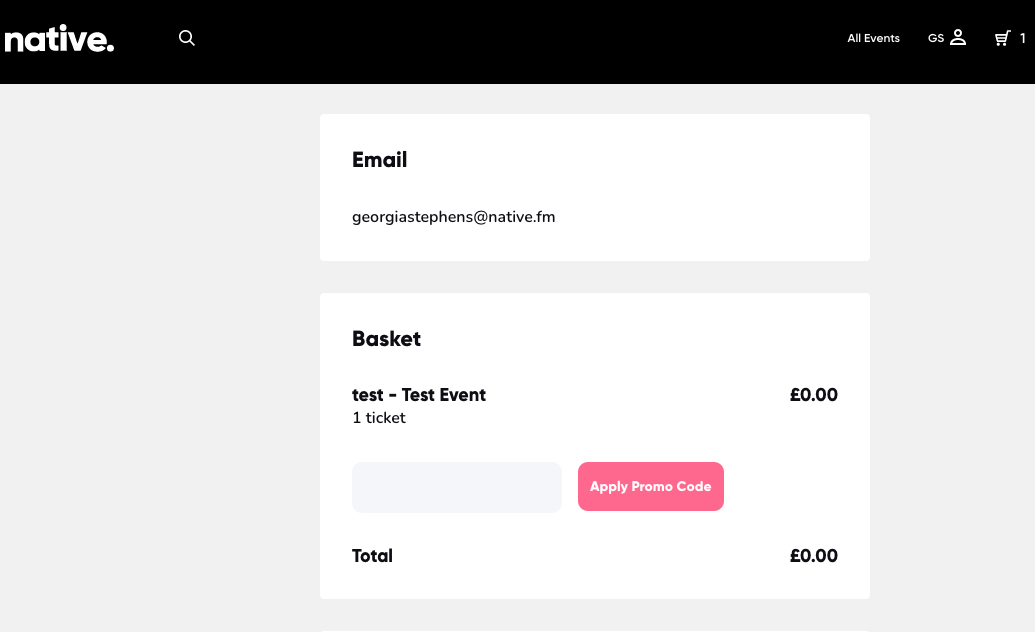
Confirm your email is correct at the top of the payment page:
You can view them straight away, we would suggest taking a screen shot or bookmarking this page:
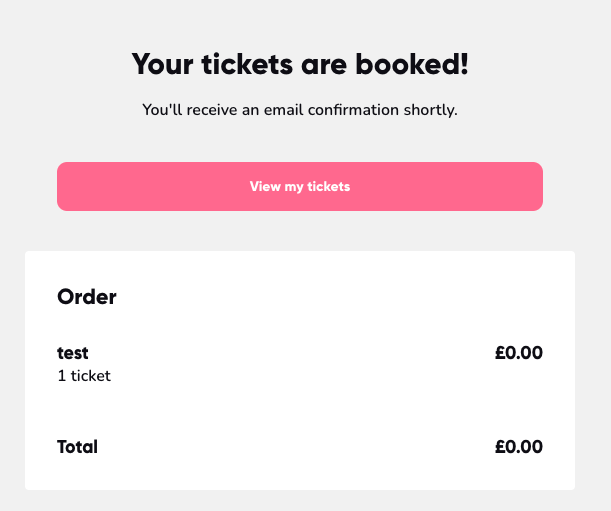
However understandably this doesn't always go to plan and their are other ways to findyour ticket below:
Via Email:
Once you book tickets you will automatically be sent a confirmation email with your tickets to the email address associated with your account. Your ticket will be attached at the bottom of the email. If you cannot find the email, please check your spam folder and make sure that you entered the correct email address. If your email address is incorrect please email hello@native.fm to have the email resent to the correct address.


Via your Account:
Alternatively, you will always be able to access your tickets via your native account here: https://www.native.fm/events
How to access your tickets on our website:
- Log in and go to the "Sign up/ Log in" section

2. Once you sign it click your user name and go to "Bookings"
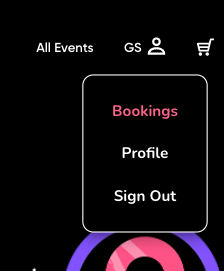
3. Scroll down to the "My Tickets" section, and click on the ticket you want

4. This is your ticketed QR code to get into the event or use the download ticket button to save it to your device. 

Comments
0 comments
Please sign in to leave a comment.