You can register for a native account on our main native site, as well as your Students’ Union events site, which is powered by native. The pathways may slightly differ depending on which site you choose to create an account, but this article will show you the steps below.
To direct you more appropriately, please identify which looks most similar to your site:
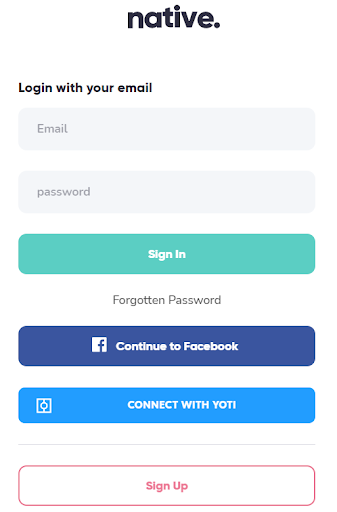 If you see this pop-up page when you click ‘Log in/Sign up’, follow our steps on how to create an account via the main native site here.
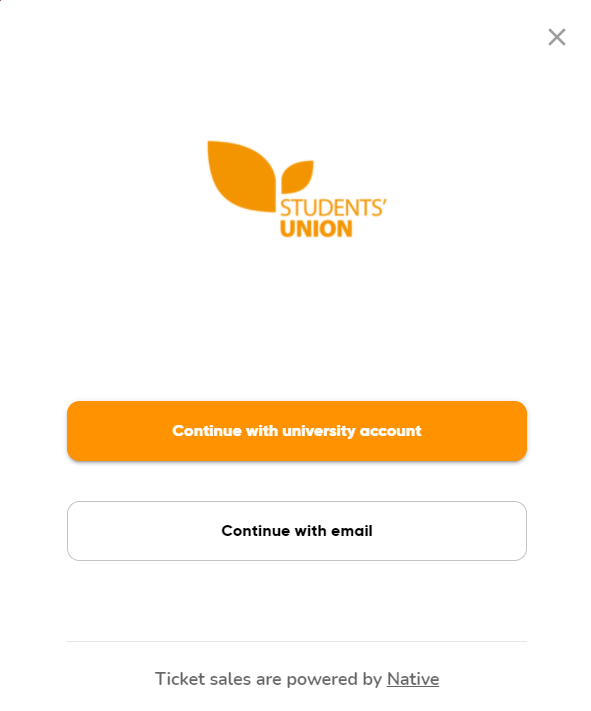 If you see this pop-up instead, follow our steps on how to create an account via a Students’ Union events site here.
In This Article:
Signing up through the main native site
Signing up through a Students’ Union events site
Signing up through the main native site
Step 1: On native.fm, click ‘log in/sign up in the top right corner.

Step 2: You can choose to sign up by connecting your Facebook/Yoti to your native account or select sign up at the bottom if you wish to register separately.
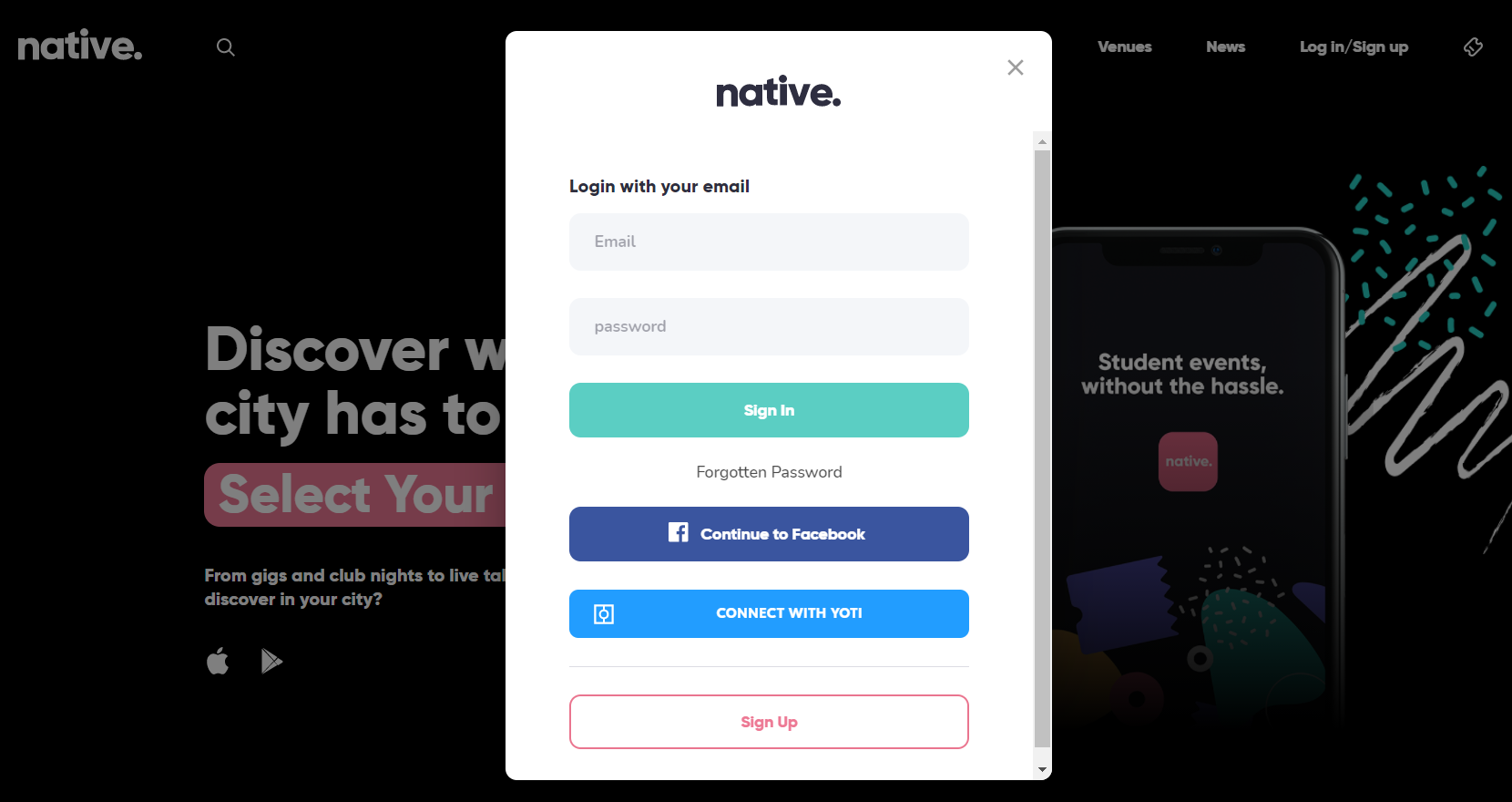
Step 3: Follow the steps to enter your details and sign up to start booking your favourite events with native!
Watch this video here on how to register for an account:
Signing up through a Students’ Union events site
*Please note that the example images may look different to your website but the functionality will largely be the same*
Step 1: On your Students’ Union events site powered by native, click ‘Log in/Sign up’ in the top right corner.
Step 2: On some sites you will see two options where you can either sign up using your university account to verify your student status or sign up using your personal email (Gmail, Hotmail etc).
Step 3: If you choose to continue with your university account, you will be directed to your university’s site to enter your university credentials. Once you’ve entered your university email address, you will be redirected back to our site. Follow the steps to enter your details and you will now be able to book tickets for events!
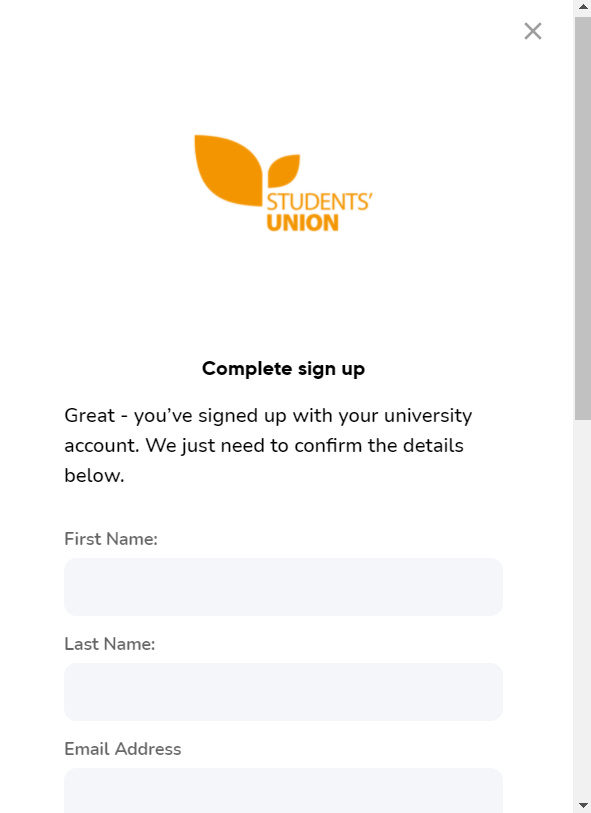
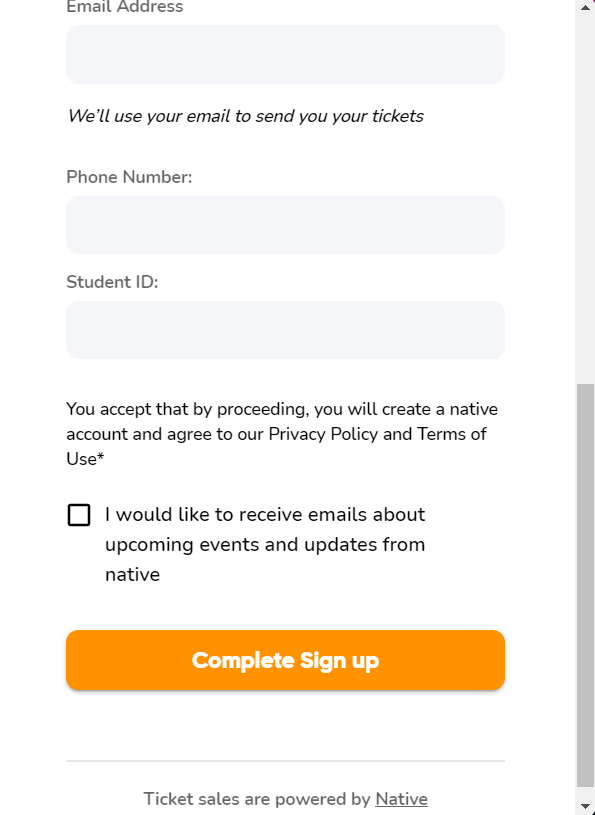
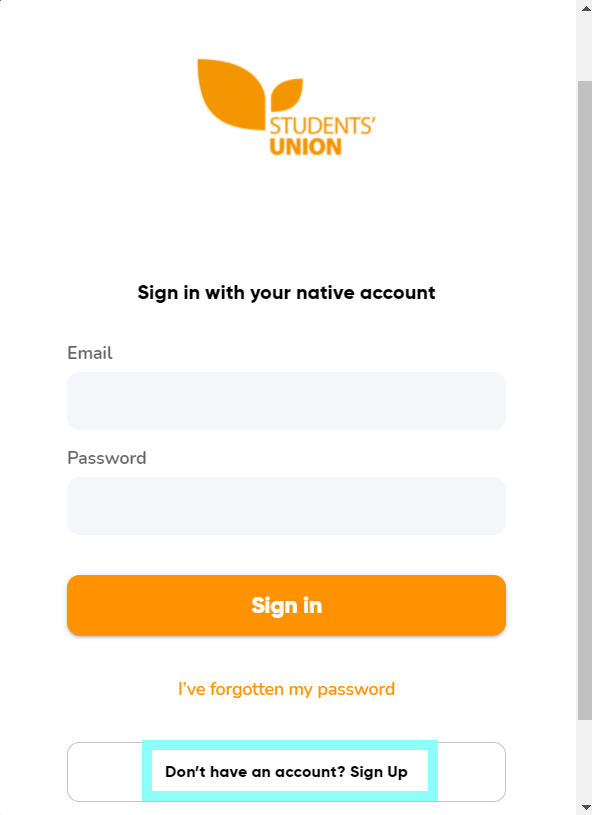
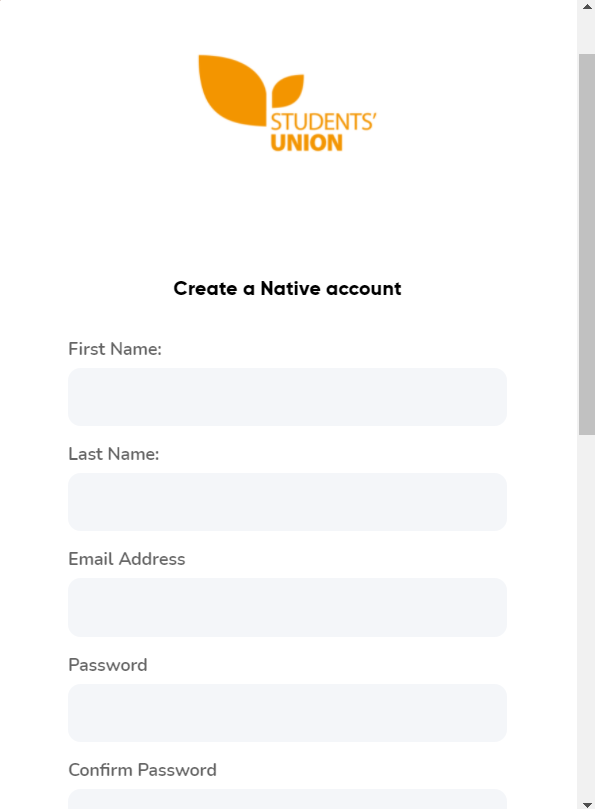
Step 3 (alternative option): If you don’t have your student email address yet or wish to use your personal email, you can choose to ‘Continue with email’. Scroll down a little and you will see the option to sign up. Fill out your details and click register. You are now ready to book tickets for events!
Comments
0 comments
Please sign in to leave a comment.